Start with the supplied product identity
The boxshot identifies the product being evaluated. It is not independent evidence of capability, compatibility or suitability for clinical research.
Evaluate fit narrowly
Folder Lock may protect selected local transcript files in encrypted lockers. Verify current platform support and the exact workflow with test data.
Feature-specific product tutorial for Clinical research interview transcripts with compatibility checks, pricing disclosure and honest alternatives; only claim: Encrypts files in lockers and manages selected cloud locker workflows; version-specific details apply. Explicit limitation: Does not replace provider permissions, guaranteed backup, password recovery or enterprise identity management
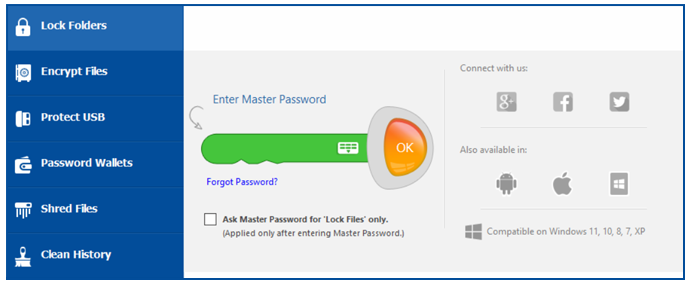
Use this supplied password-entry screen to recognize the access step. Confirm current recovery behavior before relying on it; a visible “forgot password” path does not prove that previously encrypted records are recoverable.
A team wants a local encrypted locker for selected transcript files. Folder Lock may address that narrow storage need, but it does not create a research repository, enforce an IRB decision or determine whether a collaborator may receive a file.
Do not substitute a product for governance
The product does not supply IRB approval, consent compatibility, de-identification, recipient authorization, managed repository controls or guaranteed recovery.
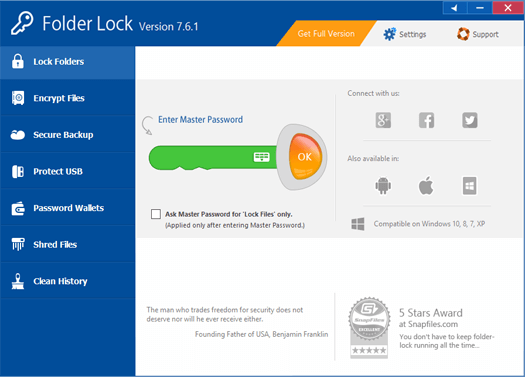
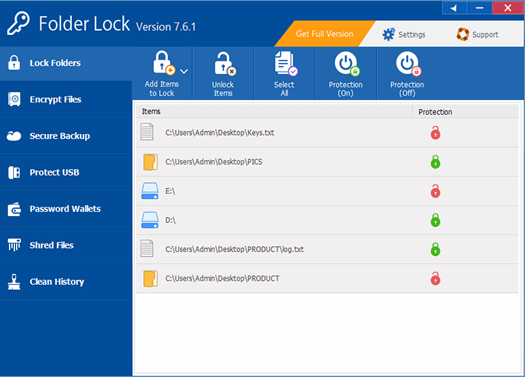
These legacy interfaces orient the tester to feature navigation and item-level controls. Current labels, supported platforms and behavior must be checked in the installed release.
- 01Confirm the current supported platform and feature in official documentation.
- 02Test installation, encryption, opening and recovery with non-sensitive sample files.
- 03Define exactly which approved record class may enter the locker.
- 04Keep code keys, consent records and unrelated identities under separate governance.
- 05Document an exit and recovery plan before depending on the product.
Leave evidence another custodian can follow
The adoption note should state the evaluated version, platform, test date, intended record class, excluded uses, custodian, recovery result and institutional approval path. Product marketing is not evidence of research-governance compliance.
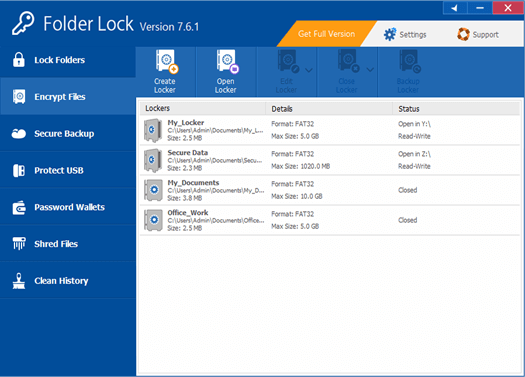
Locker listings help document which container is being tested, but they do not supply participant authorization, version control or an institutional repository record.
Pause and review when
- The team expects the product to de-identify transcripts automatically.
- The locker is being treated as proof that any sharing is compliant.
- No tested recovery path or supported-version record exists.
Encryption does not decide permitted research use
Does not replace provider permissions, guaranteed backup, password recovery or enterprise identity management. Pseudonymized data can remain sensitive, especially when indirect identifiers or a usable code key exist. Technical protection must sit inside the approved research workflow rather than replace it.
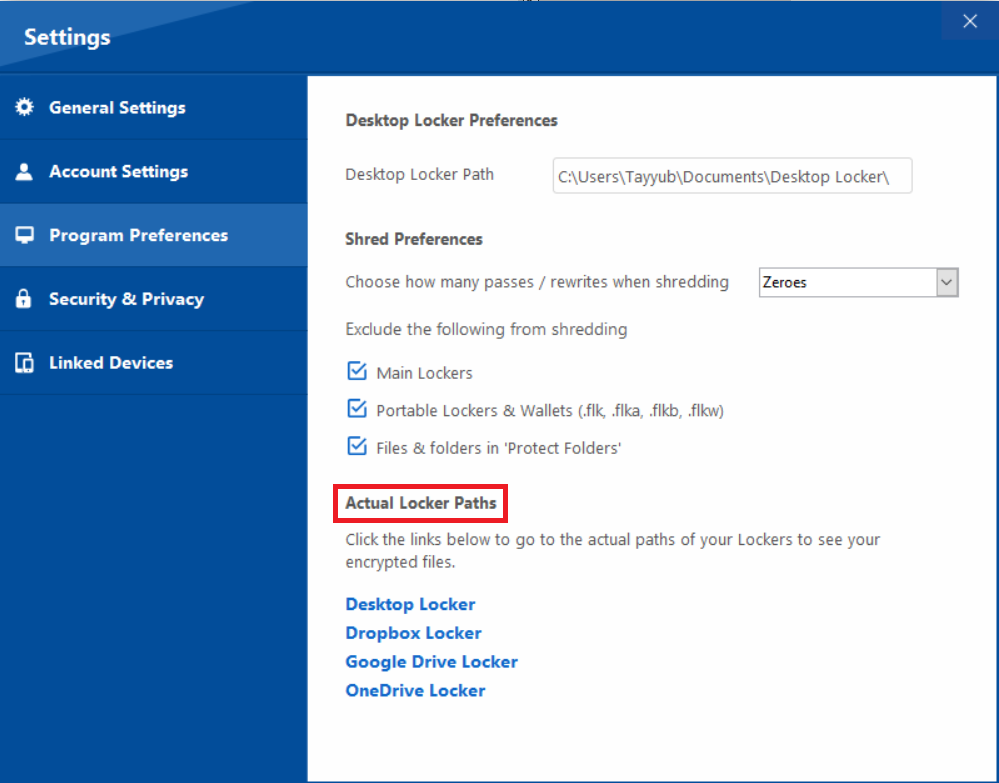
Settings and actual locker paths are operational details to record during testing. Options can vary by product version, so do not copy a legacy screen into a current procedure without verification.
Questions to resolve before acting
Is Folder Lock recommended for every research team?
No. It is a conditional option for a narrow local-file protection need. Institutional repositories or managed research environments may be more appropriate.
Does this page imply NewSoftwares endorses the site?
No. Official links and artwork identify the evaluated product and its documented features; they do not imply sponsorship or endorsement.
Sources for this decision
- NewSoftwares Folder Lock features
- NewSoftwares Folder Lock encryption instructions
- NIH best practices for participant privacy
Links are selected for the question on this page, not to meet a link quota. They do not imply endorsement. Institutional, IRB, consent, legal and funder requirements control the actual study; this independent resource does not make an IRB or regulatory determination.